1. Contact Us
Reach out via phone, email, or our online support portal. Describe your issue.

2. Connect
Our technician will guide you through a quick process to establish a secure, encrypted connection to your device. You'll remain in control and can see everything we do.
3. Diagnosis & Resolution
We'll diagnose the problem and work to resolve it efficiently. We'll explain the steps taken in clear, understandable language.

How We Can Help You Remotely
Our remote support covers a broad spectrum of IT challenges, including but not limited to:
- Software Troubleshooting:
- Fixing application errors and crashes.
- Assisting with software installation and uninstallation.
- Resolving compatibility issues.
- General software guidance and “how-to” questions.
- Operating System Support:
- Windows, macOS, and Linux basic troubleshooting.
- Performance optimization (speeding up slow computers).
- Error message diagnosis and resolution.
- Driver updates and conflict resolution.
- Security & Virus Removal:
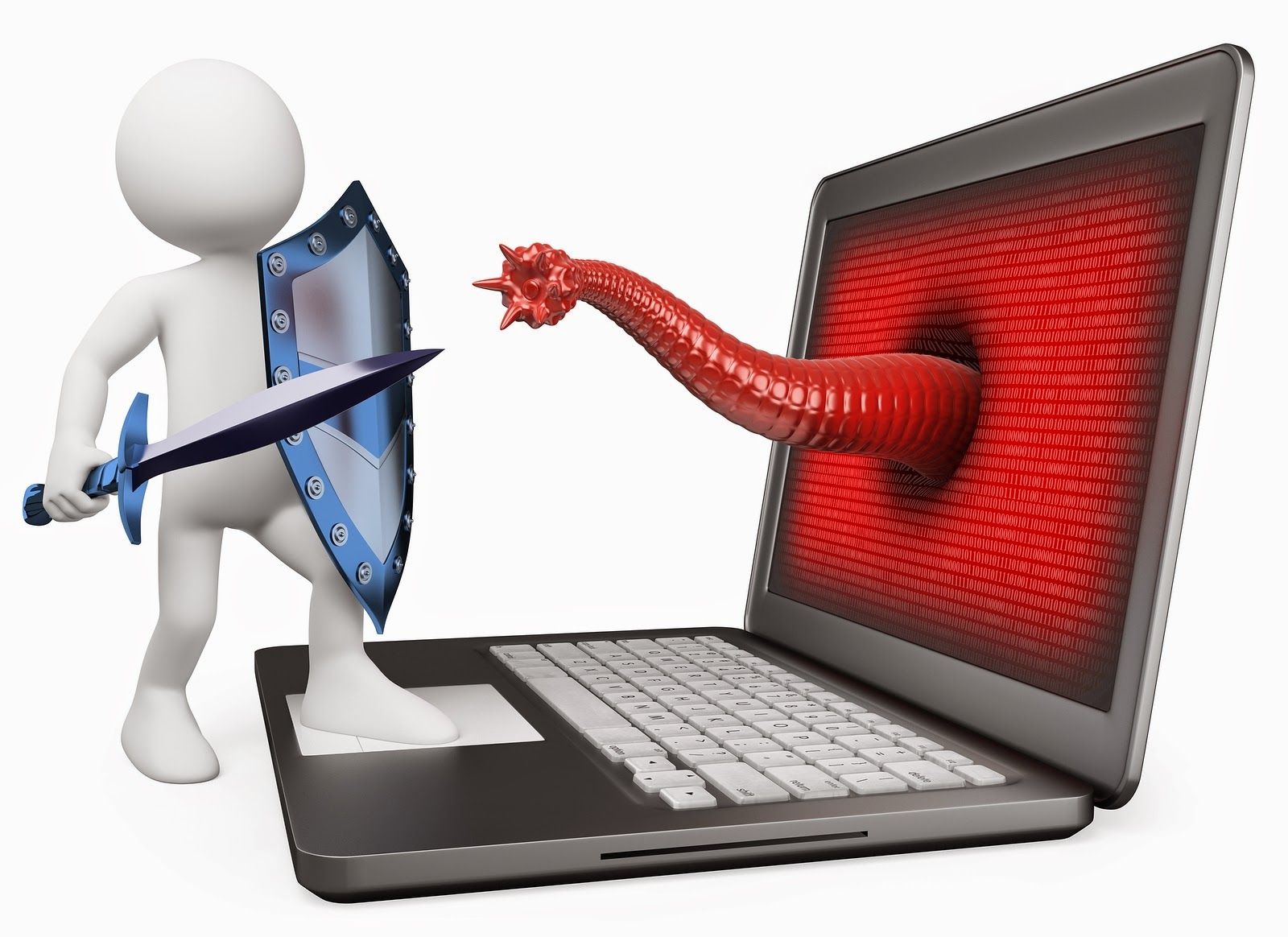
- Scanning for and removing malware, viruses, and spyware.
- Advising on best security practices.
- Setting up basic firewall configurations.
- Email & Cloud Services:
- Configuring email clients (Outlook, Gmail, etc.).
- Troubleshooting email sending/receiving issues.
- Assistance with our “CompuMaster Cloud” (your white-labeled Nextcloud) and other cloud-based services.
- Peripherals Support:
- Troubleshooting printer, scanner, and webcam issues.
- Assisting with peripheral installation and driver updates.
- General IT Consultation:
- Answering your technology questions.
- Providing advice on software and hardware upgrades.
- Network & Connectivity Issues:
- Troubleshooting Wi-Fi and internet connection problems.
- Setting up and configuring network devices (routers, modems – basic).
- Diagnosing connection drops.
- Data Backup & Recovery (Basic):
- Guiding you through backup procedures.
- Assisting with basic data recovery from accessible drives.
Is technology throwing a wrench in your day? Are you struggling with slow computers, software glitches, or network issues? At CompuMaster, we understand that prompt and effective IT support is crucial for both individuals and businesses to stay productive and stress-free. Our remote support services bring expert assistance directly to you, no matter your location.
Remote support is more than just a quick fix; it’s a cost-effective, efficient, and convenient way to resolve a wide range of technical issues without the need for an on-site visit.
- Instant Solutions: Get immediate assistance without waiting for a technician to travel. Many issues can be resolved in minutes.
- Cost-Effective: Avoid call-out fees for many common problems. Our remote services offer excellent value.
- Convenience: Receive support from the comfort of your home or office, at a time that suits you.
- Secure & Confidential: We use industry-standard secure connections to ensure your data and privacy are protected during every session.
- Expert Technicians: Our skilled team has extensive experience troubleshooting a vast array of hardware and software issues.
Reduced Downtime:
Quick resolution of problems means less disruption to your work or personal life.
Beyond Remote:
Onsite & Pick-Up & Courier
While many issues can be resolved remotely, we understand some problems require a physical touch.
Onsite Repair: For hardware failures, complex network setups, or issues requiring hands-on diagnostics, our expert technicians are available for onsite visits within a 150km radius of Centurion. (Standard call-out fees apply for onsite visits unless otherwise specified in your SLA).
Enhance Your Support with a Service Level Agreement (SLA)
For businesses and individuals seeking proactive support and guaranteed response times, explore our flexible Service Level Agreements. An SLA ensures priority service, regular maintenance, and peace of mind, all tailored to your specific needs.
Ready for Stress-Free Tech?
Don’t let tech troubles slow you down. Contact CompuMaster today for fast, reliable, and secure remote support.
Pick-up & Drop-off
For your convenience, you can courier your device to our service centre, or choose our hassle-free pick-up and drop-off service. This option incurs a small transit fee but no call-out charge, making it perfect for repairs that don’t require an immediate onsite presence.
24/7 Remote Support
- Friendly
- Patient
- Affordable
Online IT Assistance
in the comfort of your home
What You Need
- Stable Internet
- Anydesk Free
- Mic or Phone
- Credits for Booking
Log in & Follow these easy steps
Download AnyDesk For Free
Purchase credits for your booking
Run AnyDesk & Get Code
Give code to technician. Session Starts
No Gimmicks just
Simple Pricing
Our quick PC repair option is for 30 minutes or less. This includes items like a simple error message, a non working printer, or an application problem like a browser issue. Our tech support expert will tell you before any work begins if your problem falls into this category.
QUICK HELP
30 Minutes Tech Support-
Performance Optimization
-
No Contracts
-
Free Initial Analysis
-
No Monthly Fees
Virus Removal
90 Minutes TECH SUPPORT-
No Upfront Payment
-
Free Initial Analysis
-
Afrikaans & English Techs
-
No Monthly Fees
-
No Monthly Fees
-
No Monthly Fees
Errors & Tune Ups
60 MINUTES TECH SUPPORT-
One Time Cost
-
No Upfront Payment
-
Free Initial Analysis
-
Performance Optimization
-
No Monthly Fees
GETTING STARTED
Make a list of of problems. Download AnyDesk. Book timeslot, accept request & watch us as we repair.
HOW ANYDESK WORKS
FREE AnyDesk
Run but DON'T install. Give code to technician & accept request to view.
- Performance Issues
Slowed Performance: Your computer might take longer to start up, open programs, or browse the web. Frequent Crashes or Freezes: The computer might unexpectedly shut down, restart, or freeze during use. Error Messages: You might encounter frequent error messages or alerts, especially when opening or using programs.
- File and System
Blue Screen of Death is a critical error screen and often leads to the computer restarting unexpectedly. Missing Files: You might notice that files have disappeared, especially if you're sure you haven't deleted them. Corrupted Files: Files might become corrupted, making them unusable. Programs Act Unexpectedly: Programs might start on their own or close unexpectedly.
- Pop-ups and Changes
Pop-up Windows: You might see a lot of pop-up windows, especially those related to advertisements or suspicious websites. Browser Changes: Your homepage or search engine might change without your permission, and you might see new extensions or toolbars installed without your knowledge. Unexplained Changes to Settings: Other system settings or browser settings might be altered without your knowledge.
Signs Your Computer Have A Virus
Virus Red
& Flags
A computer virus can manifest through various signs, including sudden performance slowdowns, frequent crashes or error messages, unwanted pop-up windows, and the appearance of new programs or extensions without your knowledge. Other red flags include unexplained changes to your homepage or browser settings, missing or corrupted files, and your computer acting unexpectedly, such as with your mouse or keyboard.
- Unknown Programs: You might find programs on your computer that you don’t recall installing.
- Unusual Hard Drive Activity: Your hard drive might seem to be working hard even when you’re not doing much, and you might hear the fan whirring.
- Battery Drain: If you’re using a laptop, you might notice that the battery drains faster than usual.
- Email Issues: You might receive emails from your account that you didn’t send, or your contacts might report receiving strange emails from you.
- Security Software Issues: Your antivirus software might be disabled or not working correctly.
Handpicked Products
Our Advantages
Fee-Free Installment
Express Delivery
Bonus Program
Priority Support under 60 minutes
Time for a new Computer? We've got you covered!
Emergency Support
When you need assistance fast.
No Booking Required.
30 Credits per hour