My Breakup with Microsoft…
For years, I was a loyal Windows user, but over time, I came to a disturbing realization: Microsoft doesn’t work for me, I work for Microsoft. The relationship became one-sided, with a constant stream of frustrations that drove me to look for a better alternative.
I had to deal with forced updates that broke my functionality, aggressive telemetry that spied on my activity, and artificial hardware requirements that pushed me to buy new computers unnecessarily. The software was so bloated that it slowed down even my most powerful machines.
Enough was enough. I ended the relationship with Microsoft and switched to Linux.
The Final Straw: Windows 11’s Hidden Agenda
Microsoft claims Windows 11 is faster and more secure, but the truth is, the new operating system is designed to keep you on a short leash.
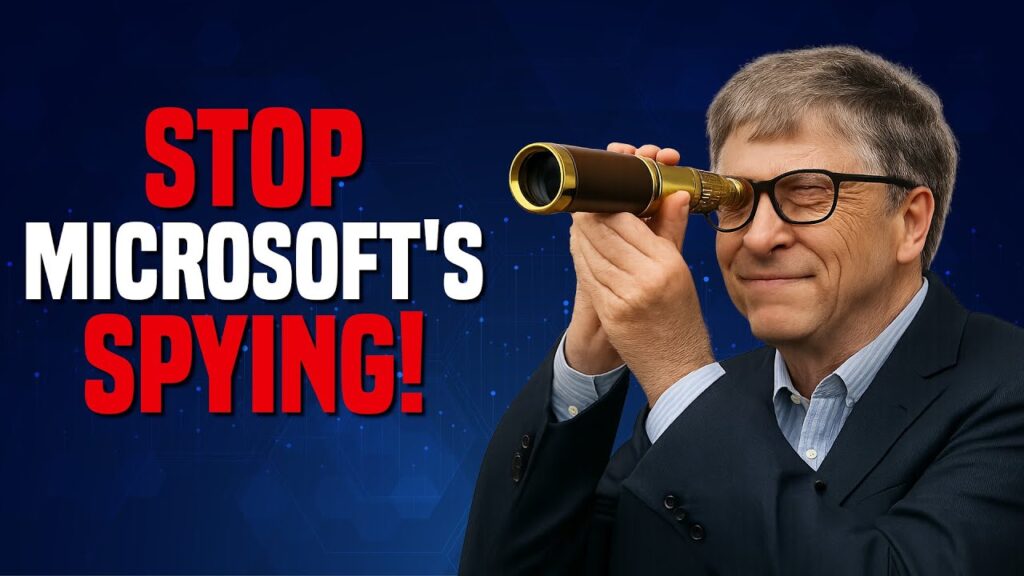
1. Windows 11 Spies on You 24/7
Microsoft’s telemetry cannot be fully disabled, even in enterprise versions. Cortana, Bing, and a host of other ads are baked into the core of the operating system. If you try to remove Microsoft Edge, it will simply reinstall itself with the next update.
2. The Stripped-Down Windows You Can’t Have
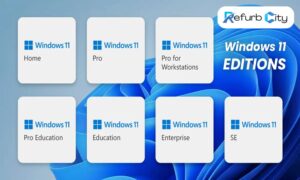
Internally, Microsoft has a version called “Windows 11 SE” (Stripped Edition). This version runs smoothly on old dual-core PCs, is free of bloatware and ads, and uses minimal resources. They won’t release it to the public because they’d rather sell you a new PC and keep you locked into their ecosystem.
3. The Hardware Scam: “Your PC Isn’t Good Enough”
Windows 11 arbitrarily blocks older CPUs, even powerful ones, from installing the OS, while the operating system runs perfectly fine on weaker hardware in unofficial installs. This isn’t about security; it’s about planned obsolescence.
Linux Mint: The Perfect Windows Replacement
I made the switch to Linux Mint, and it was the best tech decision I’ve ever made. Here’s why you should consider it:
It Runs on Anything: Linux Mint breathes new life into old laptops and desktops, including those that are 15 years old. It has no artificial hardware restrictions, uses far less RAM and CPU than Windows, and makes old computers feel new again.
No Spying, No Bloatware: With Linux, there is zero telemetry, and it doesn’t force you to update when you’re in the middle of a project. There are no preinstalled ads or crapware, giving you a clean and fast system from the start.
Looks & Feels Like Windows: The Cinnamon Desktop is the perfect replacement for Windows. It can be customized to mimic Windows 11’s layout, and you can add custom themes to make it look and feel indistinguishable from Windows.
The Cloud Is Your Best Friend: Almost every modern tool—from Google Docs and Microsoft 365 Online to Canva and Zoom—runs flawlessly in a browser. You no longer need heavy, locally installed software unless you are a power user.
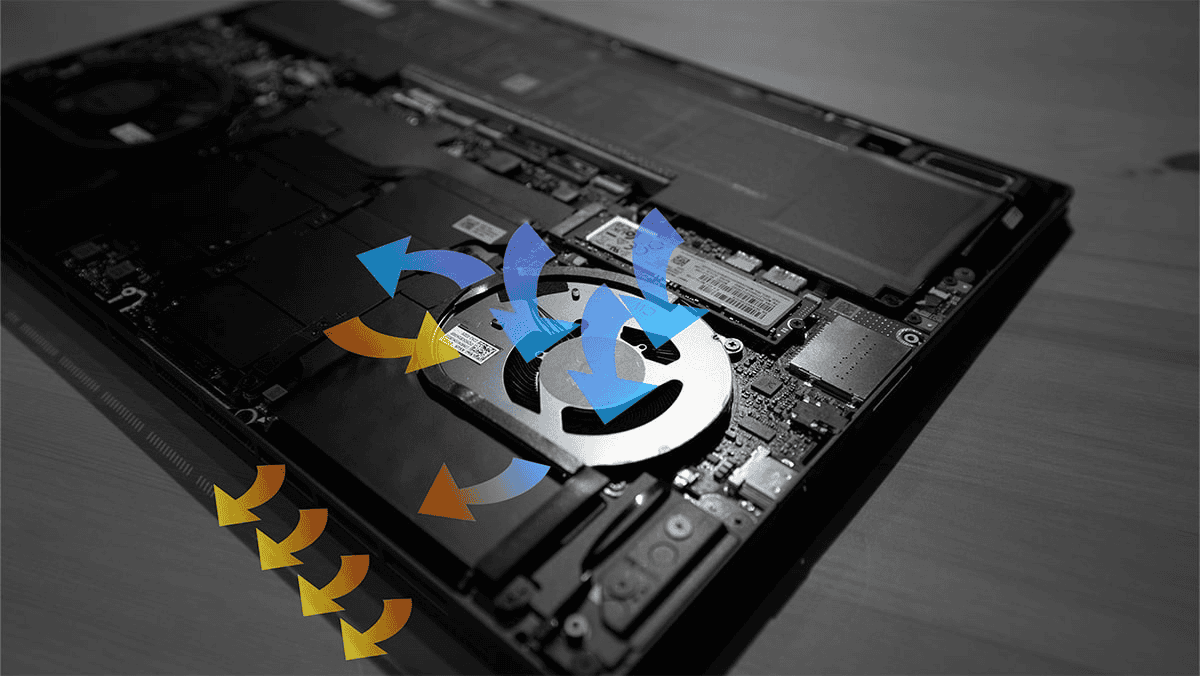
Your PC Lasts Until It Dies: Linux doesn’t slow down over time, and there are no forced upgrades or “minimum requirements” that force you to buy new hardware. A 10-year-old PC can run as fast and smoothly as it did the day you first installed Linux.
Debunking Common Linux Myths
“Linux Is Too Complicated” Linux Mint is as easy to use as Windows. Just click, and it works. Most software has a Linux version or a great alternative, and the terminal is completely optional—unlike Windows, which forces you to use PowerShell for certain updates.
“I Need Windows for Gaming or Photoshop” Gaming on Linux is now a reality. Steam Proton runs most Windows games, and open-source alternatives like GIMP and DaVinci Resolve are powerful replacements for Photoshop and Premiere. Additionally, WINE and Lutris can run many Windows applications natively.
“My Business Software Only Works on Windows” Many modern business tools like QuickBooks, Slack, and Trello are web-based and work in any browser. For specialized software, you can run a copy of Windows in a secure sandbox using VirtualBox.
How to Make the Switch
If you’re ready to break up with Microsoft, here are a few ways to get started:
Try Linux Without Installing: Download the Linux Mint ISO file, flash it to a USB drive, and boot it “live” to test it out. Nothing will be installed on your hard drive, so you can test it without risk.
Dual-Boot: If you are nervous about making the complete switch, you can keep Windows for emergencies but use Linux daily to get a feel for it.
Go All-In: Back up your data, install Linux Mint as your primary operating system, and never look back.
The Final Verdict: Linux Cares About You, Microsoft Doesn’t
Microsoft’s business model depends on selling your data, forcing hardware upgrades, and locking you into their ecosystem. Linux, on the other hand, gives you freedom, privacy, and a PC that can last a decade. The difference isn’t about technology; it’s about money. Microsoft doesn’t want you using old hardware because they make more money from ads, cloud services, and partnerships than they do from Windows licenses.
Linux respects your machine and your freedom.
Ready to see how much better computing can be? Let us help you make the switch today. Your old PC and your finances will thank you.
What’s your experience with Windows versus Linux? Share your thoughts in the comments below!