

Specifications
Parts
Categories
- Accessories
- Audio & Visual
- Bags & Luggage
- Clearance
- Coming Soon
- Components
- Computers
- Consumables
- Gaming
- Hot Deals
- Just Arrived
- Last Chance
- Lifestyle & home tech
- Networking
- Networking & security
- Newly Arrived
- On Promotion
- On Sale
- Other
- Power & Energy
- Printing
- Refurbished
- Replacement Parts
- Services
- Smart Devices
- Software
- Special Offer
Parts
Categories
- Accessories
- Audio & Visual
- Bags & Luggage
- Clearance
- Coming Soon
- Components
- Computers
- Consumables
- Gaming
- Hot Deals
- Just Arrived
- Last Chance
- Lifestyle & home tech
- Networking
- Networking & security
- Newly Arrived
- On Promotion
- On Sale
- Other
- Power & Energy
- Printing
- Refurbished
- Replacement Parts
- Services
- Smart Devices
- Software
- Special Offer
Components
Popular
Parts
Categories
- Accessories
- Audio & Visual
- Bags & Luggage
- Clearance
- Coming Soon
- Components
- Computers
- Consumables
- Gaming
- Hot Deals
- Just Arrived
- Last Chance
- Lifestyle & home tech
- Networking
- Networking & security
- Newly Arrived
- On Promotion
- On Sale
- Other
- Power & Energy
- Printing
- Refurbished
- Replacement Parts
- Services
- Smart Devices
- Software
- Special Offer
Components
Popular
Parts
Categories
- Accessories
- Audio & Visual
- Bags & Luggage
- Clearance
- Coming Soon
- Components
- Computers
- Consumables
- Gaming
- Hot Deals
- Just Arrived
- Last Chance
- Lifestyle & home tech
- Networking
- Networking & security
- Newly Arrived
- On Promotion
- On Sale
- Other
- Power & Energy
- Printing
- Refurbished
- Replacement Parts
- Services
- Smart Devices
- Software
- Special Offer
Components
Popular
Laptop Liquid Damage Repair Services
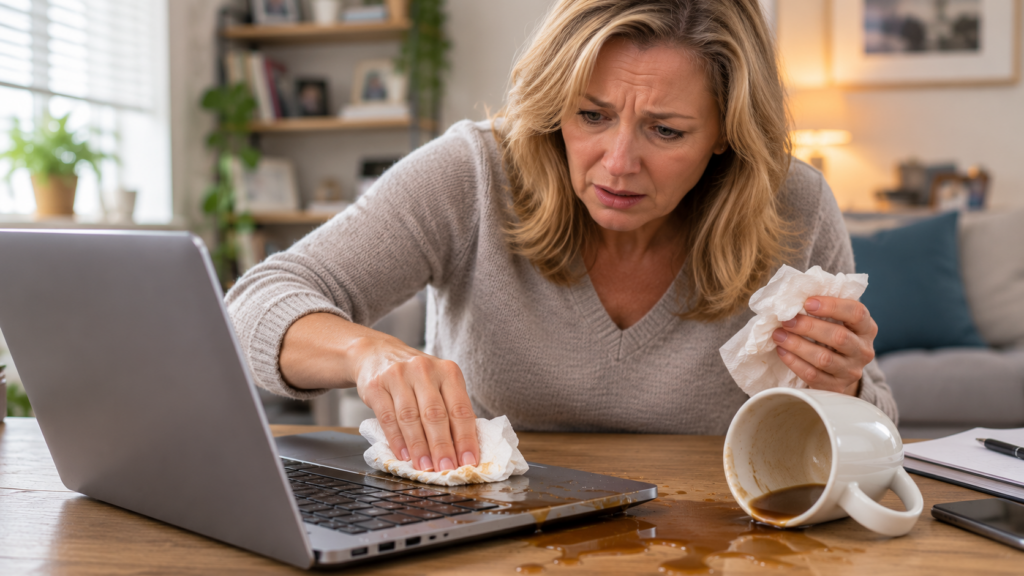
Accidents happen, and spilling a drink on your laptop is a stressful experience. Whether it is water, coffee, or a soft drink, the moisture can quickly move from the keyboard into the sensitive internal components. If you have had a spill, the most important step is to switch off the device immediately and disconnect it from any power source. Because liquid damage often involves complex electrical short-circuits or long-term corrosion, it requires a careful, methodical approach to assess and repair.
The good news is that many liquid-damaged laptops can be repaired if the correct steps are taken quickly. The bad news is that waiting too long or trying common “home remedies” can often make the damage much worse.

115 Reviews
Repair Options
New & Refurbished
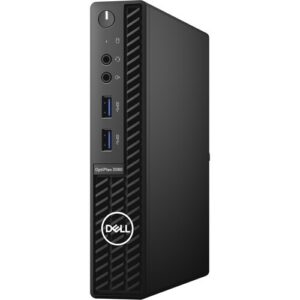
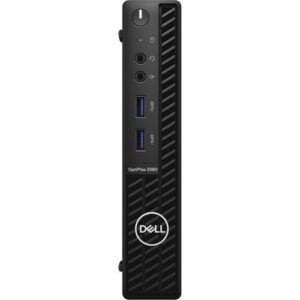
Dell OptiPlex 3080 10th gen Intel® Core™ i5 -10500 16GB RAM 256GB SSD Win 11 Pro – Refurbished
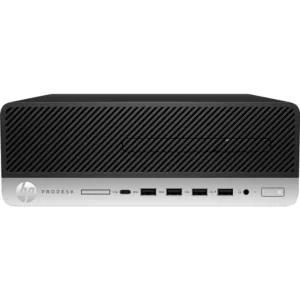
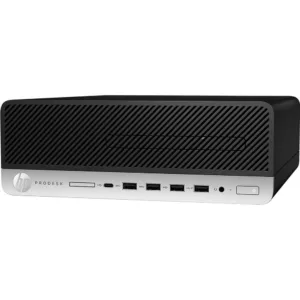
HP ProDesk 600 G5 SFF Desktop PC – Core i5-9500 – 9th Gen -16GB – Win 11 Pro – Refurbished
Nationwide Repair Services
Need Help?
If you need computer repairs in Centurion, contact CompuMaster for friendly advice, professional service, and practical IT solutions for both home users and businesses.
060 900 88 78
What Should I Do Immediately?
The first few minutes after a spill can make a huge difference.
- Switch it off immediately. Don’t wait for Windows to shut down normally. Press and hold the power button until the laptop powers off.
- Disconnect the charger and unplug all USB devices or accessories.
- Remove the battery if your model has one that is easily removable. If the battery is internal, leave it alone rather than risk causing more damage.
- Turn the laptop upside down in an inverted “V” position so excess liquid can drain away from the keyboard.
- Do not try turning it back on to “see if it’s still working.”
- Do not use a hairdryer, heater, or place it in rice. Heat can damage delicate components, while rice does nothing to remove the minerals and contaminants left behind.
The sooner the laptop is professionally inspected and cleaned, the better the chances of preventing permanent damage.
Why Liquid Damage Is So Dangerous
Many people assume that once the laptop has dried out, everything is fine. Unfortunately, that’s rarely how liquid damage works.
Even plain water contains minerals that are left behind after the moisture evaporates. Coffee, tea, juice, wine and sugary drinks are even more destructive because they leave sticky residues that continue attacking electronic components.
Corrosion often starts immediately and can continue for days or even weeks after the spill. A laptop might appear to work perfectly today, only to fail unexpectedly later because corrosion has slowly damaged tiny circuits on the motherboard.
This is why we always recommend having a liquid-damaged laptop professionally inspected, even if it still appears to be working normally.
Common Symptoms
When liquid enters a laptop, the symptoms can vary significantly depending on what was spilled and where it landed. You might notice the device failing to turn on, unexpected shutdowns, or specific keys on the keyboard becoming sticky or unresponsive. In some cases, the screen may display flickering patterns, or the system might begin running extremely slowly. Sometimes, a laptop may appear to work fine initially, only to develop faults days or weeks later as corrosion sets in on the internal circuitry.
Common Causes
The most frequent cause of liquid damage is accidental spills involving drinks placed too close to the keyboard. Even small amounts of liquid can travel through the gaps in the keys, reaching the motherboard and other delicate electronics beneath. Humidity and condensation can also sometimes cause issues, though direct spills are the most common reason we see these devices in our workshop.
Diagnosis
Assessing liquid damage is rarely a quick process. Because electricity and liquid do not mix, we must first perform a thorough physical inspection. We open the laptop to examine the motherboard and other components for signs of residue, mineral deposits, or burnt circuits. We offer a free initial diagnosis to determine the extent of the damage. Please note that this is a hardware-level procedure that must be performed in our workshop where we have the necessary tools to safely disassemble your device and inspect the components properly.
Repair Process
Our primary goal during the repair process is to clean the affected areas and restore electrical integrity. We use professional-grade cleaning solutions to remove residue and prevent further corrosion. If specific components like the keyboard or the motherboard have failed, we will discuss the options for replacing those parts with genuine or high-quality OEM components. Since liquid damage can be unpredictable, we test the machine extensively after the cleaning process to ensure it is stable and reliable for regular use.
Repair or Replace?
Deciding whether to repair or replace a laptop depends on the severity of the damage and the value of the device. If the liquid has caused widespread damage to the motherboard, the cost of repair might approach the cost of a new or high-quality refurbished computer. We provide honest, jargon-free recommendations based on the specific condition of your device. If a repair is not technically feasible or cost-effective, we will be upfront about it, as we only recommend repairs we would choose for our own computers.
Service Options
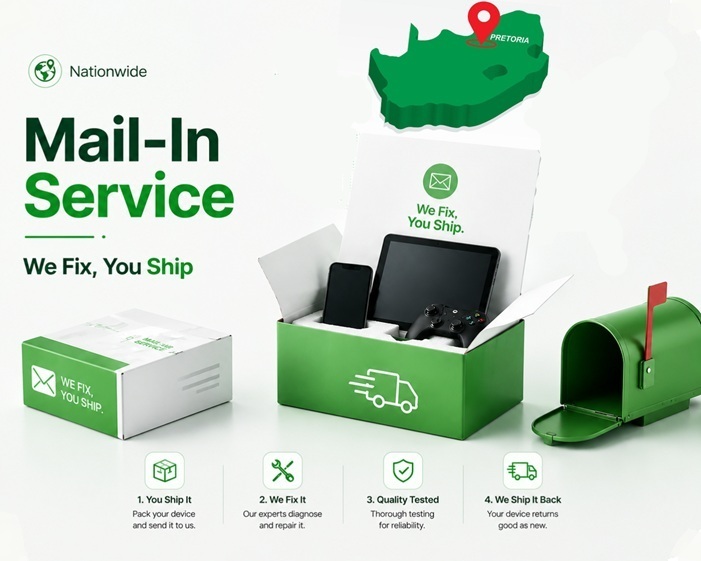
Liquid damage repair is a specialized, workshop-based service. While we offer onsite repairs for many common issues, spills require the controlled environment of our workshop to ensure proper cleaning and testing. You are welcome to drop your device off at our location, or if you are outside of the immediate area, we can arrange for secure courier computer repairs to bring your laptop to us. Unfortunately, this type of damage cannot be fixed via remote support, as it requires physical intervention. Please reach out to us to discuss your options for getting your device safely to our technicians.
Conclusion
If your laptop has suffered from liquid damage, acting quickly provides the best chance of a successful recovery. Our team is here to provide the expert care your device needs to get back up and running. If you have any questions about our laptop repairs or wish to book an assessment, please contact our team today to get started.
Please, add images to create gallery
FAQ
Not necessarily, but it depends on the type of liquid and how quickly you acted. Water is generally easier to clean than sugary drinks or coffee, which leave sticky residues that cause rapid corrosion. The sooner a professional inspects the device, the higher the chance of a successful recovery.
We strongly advise against using a hairdryer. The heat can melt delicate internal components, and the airflow may actually push the liquid deeper into the device, spreading the damage to areas that were previously dry.
In many cases, the data remains safe on the hard drive or solid-state drive, even if the motherboard is damaged. We treat every machine with care to protect your files, though we always recommend having a regular backup strategy in place for all your important documents.
Liquid damage repairs require specialized tools like ultrasonic cleaners and microscopic inspection equipment. These are located in our workshop, ensuring we can perform a proper, safe, and reliable repair that wouldn’t be possible in an onsite environment.
A warranty may apply to specific replacement parts or the labor performed, depending on the outcome of the repair. We will clarify the specific terms for your device once the diagnosis is complete.
No. Trying to power on a laptop with liquid inside can cause a short-circuit, turning a potentially minor repair into a total system failure. Keep the device powered off and unplugged until a technician can safely inspect the internal components.
Related Repairs
Need another repair type? Browse our blog for advice, FAQ and interesting news.

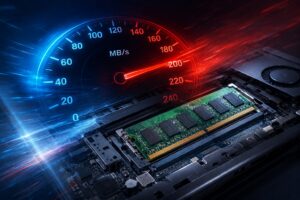
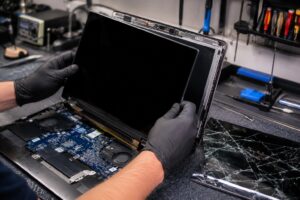
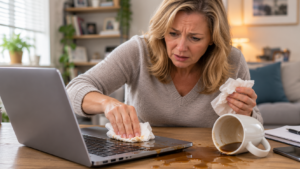
We Stock Quality Replacement Parts


See what our clients say
Live Google & Facebook Reviews Verified By TrustIndex
 Posted on Google

 Malesela Elias Langa
Trustindex verifies that the original source of the review is Google.
I had an issue with my laptop and Anton was very professional and helpful. He offered after hours delivery for my laptop at no extra charge and was able to diagnose the problem and gave a solution all in less than a day. I’ll definitely recommend their services.Posted on Google Thando NyembeI serviced my laptop with CompuMaster that was working like a glorified typewriter with flat keys. Anton collected it at my house late afternoon and I had it the next day midday. Anton kept me informed throughout the process. The work was cost effective, the service was top- tier! If I had not shamed his hand, I’d be convinced he is AI! Service like this just doesn’t exist anymore… Do yourself a favour, call him for all your device needs - he’ll sort you out faster than you can say AI! Keep up the stellar work!!!!👏🏾👏🏾👏🏾Posted on Google
 Prashant MistryAwesome service from Anton. Provided great advice and support on a gaming laptop. Went out of his way to help us out over the weekend. Highly recommended.Posted on Google
 Izell du Plooy DobsonAnton really went above& beyond from the moment we first spoke to assist in sorting out an initial beep(Bios error) on my laptop. Ended up being a much more difficult job in total but he sorted it all. The laptop is running smoothly again - I will definitely use him again and recommend himPosted on Google
 Ntombizethu SamI needed ink for my printer and most suppliers around Centurion were out of stock. Anton was relentless in his search and went the extra mile to source the ink from Joburg when others couldn’t help. His persistence and willingness to assist were greatly appreciated. He was also quick to respond to both calls and online messages, which made the whole process easy and reassuring. The company was a little slow with the invoicing, but that’s understandable — Anton is clearly more of a hands-on tech person than an admin person! Overall, great service and a big thank you for your help. Highly recommended.Posted on Google
 King VThe service was extremely awesome and Anton who happened to be the one fixing my laptop went above and beyond to help me fix my laptop, charged me less than I was supposed to pay if I’m being honest, he even fixed things he honestly didn’t have to which is heart warming and made me feel extremely comfortable. Honestly the best service I’ve had with laptops by farPosted on Google
 Rudi De klerkUitsondelike diens, uitstekende kommunikasie, vinnig en bekostigtigbaar.Posted on Google
 Malungelo ZwaneAnton gave great service for my laptop. It working as if its brand new thanks.Posted on Google
 Boniface HlabanoSuper efficient and very professionalVerified by TrustindexTrustindex verified that these reviews were published on CompuMaster Technologies (Pty) Ltd's Google Business Profile. Learn more