

Specifications
- Accessories
- Audio & Visual
- Bags & Luggage
- Clearance
- Coming Soon
- Components
- Computers
- Consumables
- Gaming
- Hot Deals
- Just Arrived
- Last Chance
- Lifestyle & home tech
- Networking
- Networking & security
- Newly Arrived
- On Promotion
- On Sale
- Other
- Power & Energy
- Printing
- Refurbished
- Replacement Parts
- Services
- Smart Devices
- Software
- Special Offer
- Accessories
- Audio & Visual
- Bags & Luggage
- Clearance
- Coming Soon
- Components
- Computers
- Consumables
- Gaming
- Hot Deals
- Just Arrived
- Last Chance
- Lifestyle & home tech
- Networking
- Networking & security
- Newly Arrived
- On Promotion
- On Sale
- Other
- Power & Energy
- Printing
- Refurbished
- Replacement Parts
- Services
- Smart Devices
- Software
- Special Offer
- Accessories
- Audio & Visual
- Bags & Luggage
- Clearance
- Coming Soon
- Components
- Computers
- Consumables
- Gaming
- Hot Deals
- Just Arrived
- Last Chance
- Lifestyle & home tech
- Networking
- Networking & security
- Newly Arrived
- On Promotion
- On Sale
- Other
- Power & Energy
- Printing
- Refurbished
- Replacement Parts
- Services
- Smart Devices
- Software
- Special Offer
- Accessories
- Audio & Visual
- Bags & Luggage
- Clearance
- Coming Soon
- Components
- Computers
- Consumables
- Gaming
- Hot Deals
- Just Arrived
- Last Chance
- Lifestyle & home tech
- Networking
- Networking & security
- Newly Arrived
- On Promotion
- On Sale
- Other
- Power & Energy
- Printing
- Refurbished
- Replacement Parts
- Services
- Smart Devices
- Software
- Special Offer
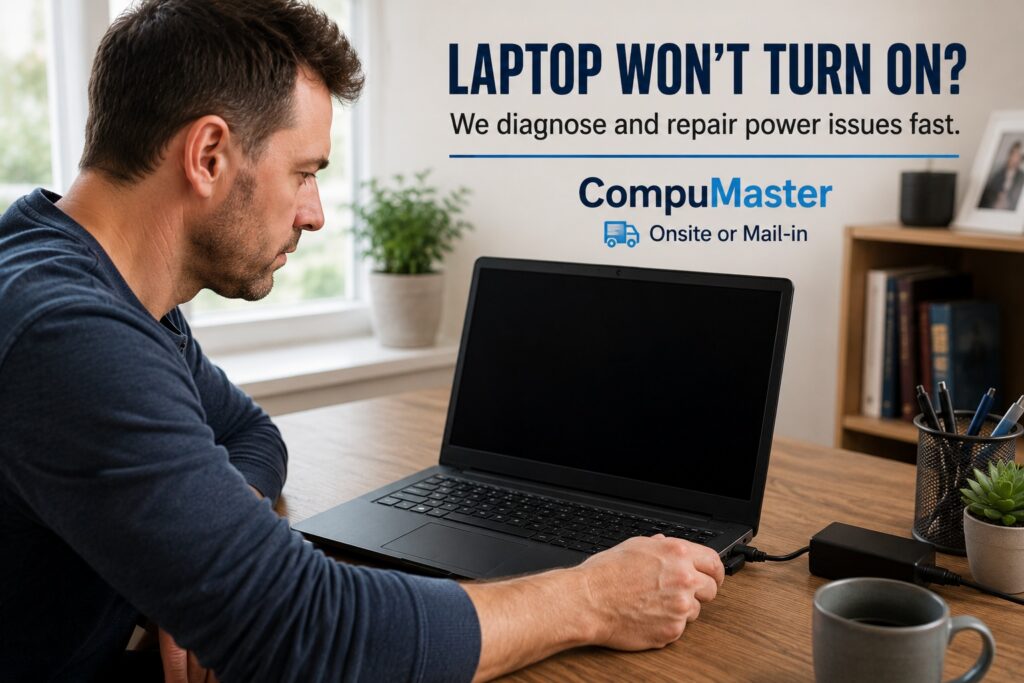
Laptop Won’t Turn On
Pressing the power button and getting absolutely nothing can be one of the most frustrating laptop problems. Whether your laptop shows no lights, displays a black screen, or simply refuses to start, it doesn’t always mean the device is beyond repair.
At CompuMaster, we diagnose and repair laptops that won’t turn on every day. Many power-related faults are caused by failed components, charging problems or motherboard issues that can often be repaired without replacing the entire laptop.
Our goal is to identify the exact cause of the problem, explain your options in plain English, and recommend the solution that offers the best value for your money.

115 Reviews
Repair Options
New & Refurbished
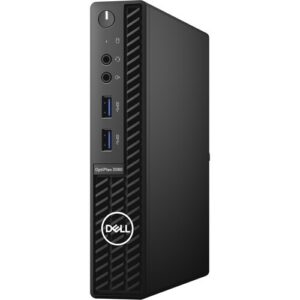

Dell OptiPlex 3080 10th gen Intel® Core™ i5 -10500 16GB RAM 256GB SSD Win 11 Pro – Refurbished
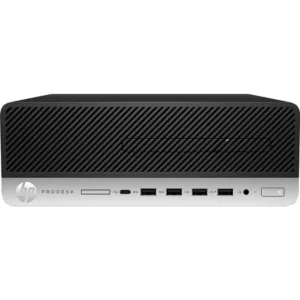
HP ProDesk 600 G5 SFF Desktop PC – Core i5-9500 – 9th Gen -16GB – Win 11 Pro – Refurbished

Nationwide Repair Services

Need Help?
If you need computer repairs in Centurion, contact CompuMaster for friendly advice, professional service, and practical IT solutions for both home users and businesses.
060 900 88 78
Common Symptoms
Laptops that won’t turn on can behave in several different ways, each providing valuable clues during diagnosis.
- No lights, no fan noise and no response when pressing the power button.
- Charging light flashes but the laptop never starts.
- Power light comes on but the screen remains black.
- Cooling fan spins briefly before shutting down.
- The laptop continuously restarts or gets stuck on the manufacturer’s logo.
- Beeping sounds or flashing indicator lights during startup.
Even if your laptop appears completely dead, the problem is often isolated to one component rather than the entire computer.
Why Your Laptop Won’t Turn On
Several different faults can prevent a laptop from starting correctly.
- Faulty or damaged charger.
- Failed battery.
- Damaged DC charging port.
- Faulty RAM or improperly seated memory modules.
- Motherboard power circuit failure.
- Corrupted BIOS or firmware.
- Liquid damage or corrosion.
- Overheating damage.
- Failed SSD or storage device causing boot problems.
- Power button or keyboard failure.
Because several different components can produce similar symptoms, professional testing is the fastest way to identify the real cause.
Our Free Initial Diagnosis
Every repair begins with a free initial diagnosis.
We test the charger, inspect the battery, verify the charging circuit, examine the motherboard, check the RAM and perform power delivery testing where necessary.
Rather than replacing parts through trial and error, we identify the exact fault before recommending any repairs.
Once we’ve completed our assessment, we’ll explain what has failed, the expected repair cost, and whether repairing the laptop is financially worthwhile.
Our Repair Process
Depending on the fault, repairs may include:
- Replacing faulty chargers or batteries.
- Repairing or replacing damaged charging ports.
- Replacing faulty RAM.
- Motherboard diagnostics and component-level repair where practical.
- BIOS recovery and firmware updates.
- Cleaning corrosion caused by previous liquid damage.
- Extensive testing before returning your laptop.
We use genuine or high-quality OEM replacement parts whenever possible and only recommend repairs we would confidently perform on our own computers.
Repair or Replace?
Sometimes repairing your laptop is clearly the best option. In other cases, replacing it offers better long-term value.
If the problem is limited to a charger, battery, charging port or another replaceable component, repairing the laptop is usually the most cost-effective solution.
However, if the motherboard has suffered extensive damage, multiple major components have failed or repair costs approach the value of the laptop, we’ll recommend replacement instead.
Our advice is always based on what makes the most financial sense for you, not on selling unnecessary repairs.
What About My Data?
One of the biggest concerns when a laptop won’t turn on is losing important files.
Fortunately, in most cases your SSD or hard drive remains intact even though the laptop itself won’t power up.
Where possible, we can recover your documents, photos and other important data even if repairing the laptop isn’t economically viable.
Service Options
Workshop Repairs
Most no-power faults require specialist testing equipment and are completed in our workshop.
Courier Repairs
If you’re outside our service area, you can securely courier your laptop to us from anywhere in South Africa.
Business Support
We also assist businesses with priority diagnostics to minimise downtime for staff and operations.
Why Choose CompuMaster?
At CompuMaster, we believe in honest advice and old-school customer service. We’ll explain exactly what’s wrong, what it will cost to repair, and whether repairing the laptop is actually worthwhile.
If replacing the laptop makes more financial sense, we’ll tell you. If it can be repaired reliably, we’ll do our best to get you back up and running as quickly as possible.
Contact CompuMaster Today
If your laptop won’t turn on, don’t assume it’s beyond repair.
Contact CompuMaster today for a free initial diagnosis. We’ll identify the fault, explain your options clearly and recommend the most practical solution to get you working again.
FAQ
A laptop may fail to power on because of a faulty charger, battery, charging port, RAM, motherboard, BIOS corruption or other hardware failure. Professional testing is the quickest way to identify the exact cause.
Yes. Many no-power problems can be repaired by replacing failed components or repairing the charging or motherboard circuitry. The repair depends on the underlying fault.
No. If the laptop cannot power on, remote support is not possible. Physical testing and repair are required.
Usually not. In most cases your SSD or hard drive remains intact, allowing us to recover your important files even if the laptop itself requires major repairs.
Repair time depends on the fault and whether replacement parts are required. After completing the free diagnosis, we’ll provide a realistic estimate before any work begins.
No. If repair costs approach or exceed the value of the laptop, we’ll recommend replacement instead. We only recommend repairs that make good financial sense.
Related Repairs
Need another repair type? Browse our blog for advice, FAQ and interesting news.

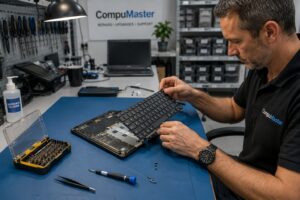
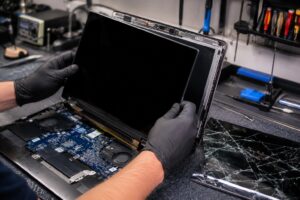

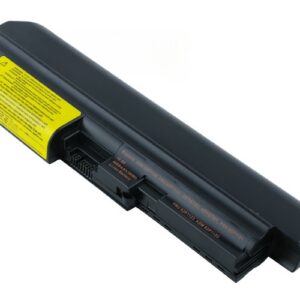
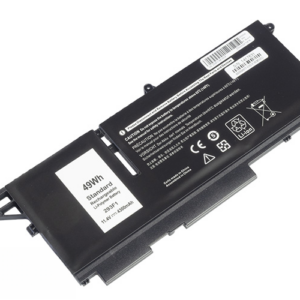
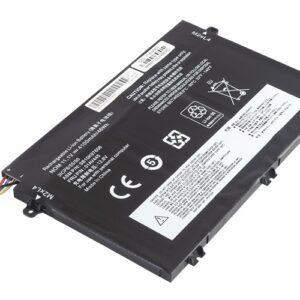
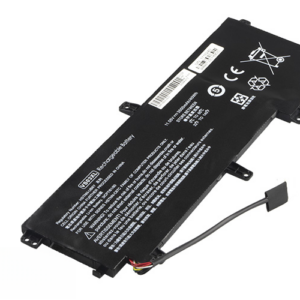
We Stock Quality Replacement Parts


See what our clients say
Live Google & Facebook Reviews Verified By TrustIndex
 Posted on Google
 Malesela Elias Langa
Trustindex verifies that the original source of the review is Google.
I had an issue with my laptop and Anton was very professional and helpful. He offered after hours delivery for my laptop at no extra charge and was able to diagnose the problem and gave a solution all in less than a day. I’ll definitely recommend their services.Posted on Google Thando NyembeI serviced my laptop with CompuMaster that was working like a glorified typewriter with flat keys. Anton collected it at my house late afternoon and I had it the next day midday. Anton kept me informed throughout the process. The work was cost effective, the service was top- tier! If I had not shamed his hand, I’d be convinced he is AI! Service like this just doesn’t exist anymore… Do yourself a favour, call him for all your device needs - he’ll sort you out faster than you can say AI! Keep up the stellar work!!!!👏🏾👏🏾👏🏾Posted on Google
 Prashant MistryAwesome service from Anton. Provided great advice and support on a gaming laptop. Went out of his way to help us out over the weekend. Highly recommended.Posted on Google
 Izell du Plooy DobsonAnton really went above& beyond from the moment we first spoke to assist in sorting out an initial beep(Bios error) on my laptop. Ended up being a much more difficult job in total but he sorted it all. The laptop is running smoothly again - I will definitely use him again and recommend himPosted on Google
 Ntombizethu SamI needed ink for my printer and most suppliers around Centurion were out of stock. Anton was relentless in his search and went the extra mile to source the ink from Joburg when others couldn’t help. His persistence and willingness to assist were greatly appreciated. He was also quick to respond to both calls and online messages, which made the whole process easy and reassuring. The company was a little slow with the invoicing, but that’s understandable — Anton is clearly more of a hands-on tech person than an admin person! Overall, great service and a big thank you for your help. Highly recommended.Posted on Google
 King VThe service was extremely awesome and Anton who happened to be the one fixing my laptop went above and beyond to help me fix my laptop, charged me less than I was supposed to pay if I’m being honest, he even fixed things he honestly didn’t have to which is heart warming and made me feel extremely comfortable. Honestly the best service I’ve had with laptops by farPosted on Google
 Rudi De klerkUitsondelike diens, uitstekende kommunikasie, vinnig en bekostigtigbaar.Posted on Google
 Malungelo ZwaneAnton gave great service for my laptop. It working as if its brand new thanks.Posted on Google
 Boniface HlabanoSuper efficient and very professionalVerified by TrustindexTrustindex verified that these reviews were published on CompuMaster Technologies (Pty) Ltd's Google Business Profile. Learn more