Common Symptoms of Low RAM
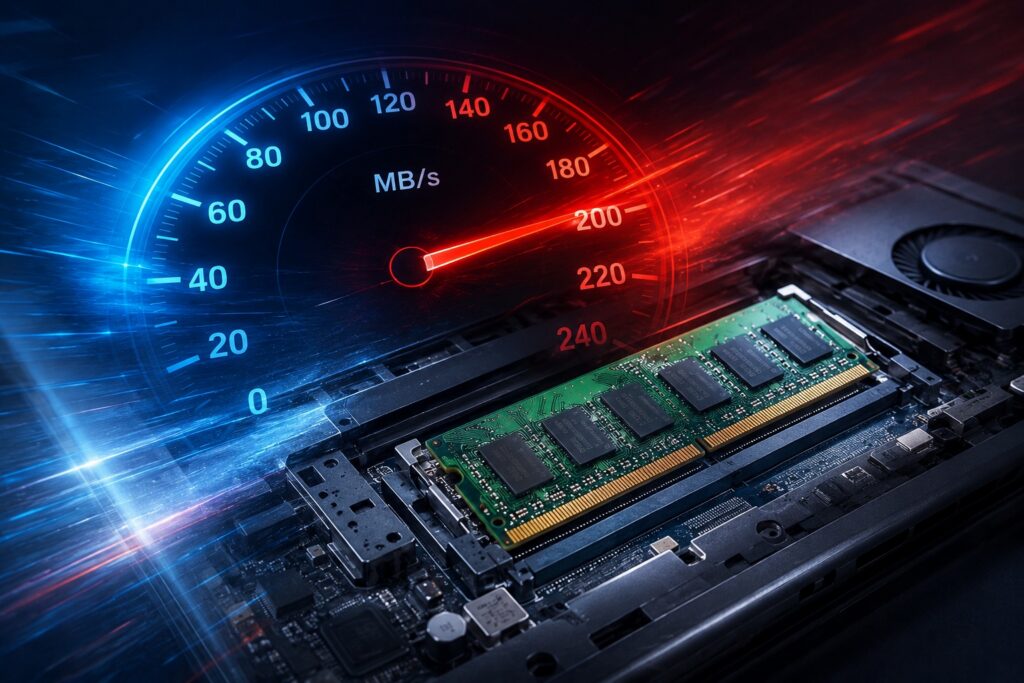
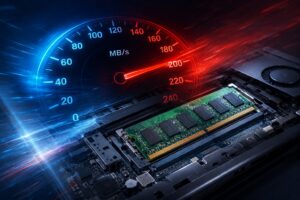
Recognizing when your system needs more memory is the first step toward improvement. If you find that your laptop slows down significantly when you have multiple browser tabs open, or if your applications become unresponsive when you try to switch between them, you are likely hitting a memory wall. Other common symptoms include persistent stuttering while running software, slow system startup times, and system error messages indicating memory shortages. While these symptoms can sometimes overlap with software issues or storage drive faults, they are classic indicators that your computer is working harder than it needs to because it lacks the workspace required for modern multitasking.
Causes of Memory Limitations
Memory limitations are rarely the result of a single fault. Often, software updates and operating system improvements gradually demand more resources over time. Applications that were lightweight a few years ago may now require more memory to run efficiently. Furthermore, if your laptop was purchased with the baseline amount of memory, it may not have been equipped to handle your current workload from the very beginning. As your usage habits change—perhaps moving from simple document editing to more demanding tasks or heavy web browsing—your initial configuration may no longer provide the necessary overhead to maintain smooth performance.
Diagnosis and Compatibility
Before any upgrade can be performed, it is essential to determine if your specific laptop model supports a memory increase. Not all laptops have user-accessible or upgradeable memory; some models have RAM soldered directly to the motherboard. Our technicians perform a thorough diagnosis to identify your laptop’s current configuration, the number of available slots, and the maximum capacity your motherboard can handle. By inspecting the specific model, we ensure that any new components are fully compatible with your system architecture, preventing errors and ensuring stability.
The Upgrade Process
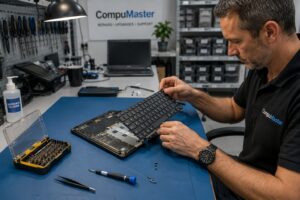
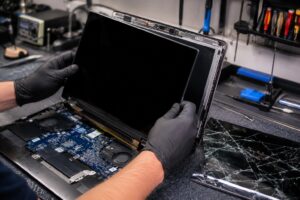
Once compatibility is confirmed and high-quality replacement parts are sourced, the upgrade process is straightforward but requires care. Accessing the internal components involves opening the laptop chassis, which must be done using proper tools to avoid damaging the delicate casing or internal ribbon cables. We carefully install the new memory modules into the available slots and verify the hardware connection. After the physical installation, we perform a system check to ensure the operating system and BIOS correctly recognize the increased capacity. Your data remains completely safe during this process, as we are modifying the memory, not the storage drive where your files reside.
Repair or Replace?
Deciding whether to upgrade or replace your device depends on the overall health of the laptop. If the only issue you are experiencing is sluggish performance during multitasking and the rest of your hardware is in good working order, a RAM upgrade is an excellent, cost-effective solution. However, if your laptop is experiencing other significant hardware failures or has reached a point where the processor can no longer support your primary tasks, a new device might be more practical. We provide honest, straightforward advice to help you weigh the cost of the upgrade against the expected longevity of your machine.
Service Options
For those in the Centurion, Pretoria, and Midrand areas, we offer professional onsite assessment and installation. If you are located further afield, our courier repair service allows you to send your device to our workshop, where we can perform the upgrade under controlled conditions. Regardless of how you choose to receive service, you will receive the same level of personal, old-school attention to detail. We only recommend parts we would confidently choose for our own computers, ensuring your machine remains stable and efficient for years to come. If you have questions about your specific model or would like to discuss your performance concerns, please contact our team for professional guidance.