

Specifications
- Accessories
- Audio & Visual
- Bags & Luggage
- Clearance
- Coming Soon
- Components
- Computers
- Consumables
- Gaming
- Hot Deals
- Just Arrived
- Last Chance
- Lifestyle & home tech
- Networking
- Networking & security
- Newly Arrived
- On Promotion
- On Sale
- Other
- Power & Energy
- Printing
- Refurbished
- Replacement Parts
- Services
- Smart Devices
- Software
- Special Offer
- Accessories
- Audio & Visual
- Bags & Luggage
- Clearance
- Coming Soon
- Components
- Computers
- Consumables
- Gaming
- Hot Deals
- Just Arrived
- Last Chance
- Lifestyle & home tech
- Networking
- Networking & security
- Newly Arrived
- On Promotion
- On Sale
- Other
- Power & Energy
- Printing
- Refurbished
- Replacement Parts
- Services
- Smart Devices
- Software
- Special Offer
- Accessories
- Audio & Visual
- Bags & Luggage
- Clearance
- Coming Soon
- Components
- Computers
- Consumables
- Gaming
- Hot Deals
- Just Arrived
- Last Chance
- Lifestyle & home tech
- Networking
- Networking & security
- Newly Arrived
- On Promotion
- On Sale
- Other
- Power & Energy
- Printing
- Refurbished
- Replacement Parts
- Services
- Smart Devices
- Software
- Special Offer
- Accessories
- Audio & Visual
- Bags & Luggage
- Clearance
- Coming Soon
- Components
- Computers
- Consumables
- Gaming
- Hot Deals
- Just Arrived
- Last Chance
- Lifestyle & home tech
- Networking
- Networking & security
- Newly Arrived
- On Promotion
- On Sale
- Other
- Power & Energy
- Printing
- Refurbished
- Replacement Parts
- Services
- Smart Devices
- Software
- Special Offer
Laptop Overheating
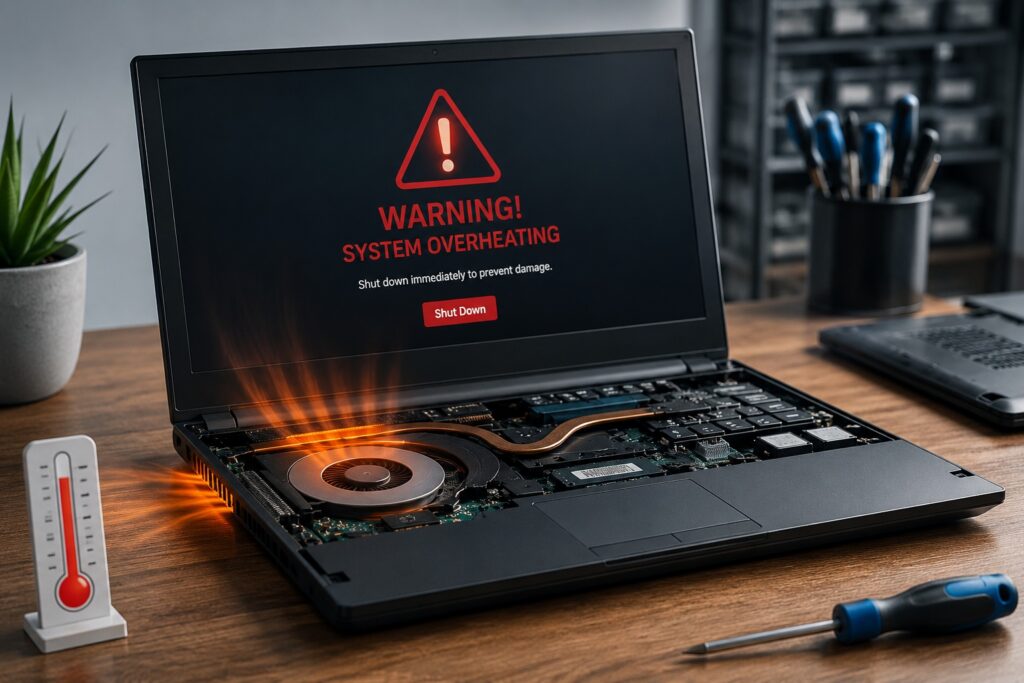
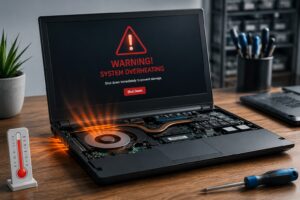
If your laptop is becoming unusually hot, making excessive fan noise or shutting down unexpectedly, it is important to have it checked before permanent damage occurs. Overheating is one of the most common laptop problems we repair at CompuMaster, and in many cases it can be resolved with professional cleaning, cooling system maintenance or replacing worn components.

115 Reviews
Repair Options
New & Refurbished
Dell OptiPlex 3080 10th gen Intel® Core™ i5 -10500 16GB RAM 256GB SSD Win 11 Pro – Refurbished
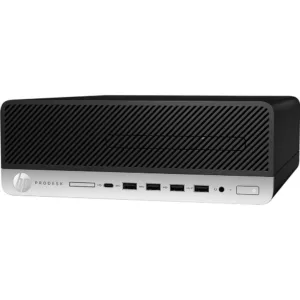
HP ProDesk 600 G5 SFF Desktop PC – Core i5-9500 – 9th Gen -16GB – Win 11 Pro – Refurbished
Nationwide Repair Services

Need Help?
If you need computer repairs in Centurion, contact CompuMaster for friendly advice, professional service, and practical IT solutions for both home users and businesses.
060 900 88 78
Common Symptoms of Laptop Overheating
A laptop that is overheating often displays several warning signs before serious damage occurs.
- Loud cooling fan running constantly.
- Unexpected shutdowns or restarts.
- Slow performance due to processor thermal throttling.
- Excessive heat around the keyboard or underside of the laptop.
What Causes a Laptop to Overheat?
The most common cause is dust blocking the cooling system. Over time, dust builds up inside the heat sink and prevents hot air from escaping efficiently.
- Dust-clogged heat sink and cooling fan.
- Dried or degraded thermal paste.
- Blocked ventilation openings.
- Failed or worn cooling fan.
Professional Diagnosis and Repair
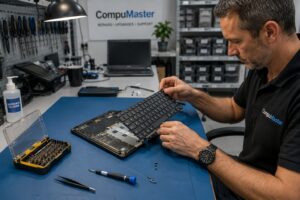
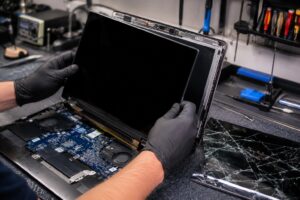
Our technicians disassemble the laptop, clean the cooling system, inspect the fan, replace thermal paste where necessary and test operating temperatures after reassembly. If the cooling fan has failed, we install a quality replacement part. Your personal data remains untouched during the repair process.
Should You Repair or Replace?
If your laptop is still in good condition, a cooling system service is usually a cost-effective way to extend its lifespan. If overheating has already caused significant motherboard damage on an older machine, we will provide honest advice on whether repairing or replacing the laptop offers the best value.
Repair Options
- Workshop repairs for internal cleaning and cooling system servicing.
- Courier repairs available for customers outside our onsite service areas.
- Remote support can identify software-related high CPU usage but cannot repair physical cooling problems.
FAQ
Dust build-up inside the cooling system is the most common cause of laptop overheating. Other causes include dried thermal paste, blocked air vents and failed cooling fans.
Yes. Continued overheating can damage the motherboard, processor, graphics chip and storage devices. Addressing the problem early can prevent costly hardware failures.
In many cases, yes. A professional internal cleaning and fresh thermal paste are often enough to restore proper cooling. Replacement parts are only required if components such as the cooling fan have failed.
No. Physical overheating problems require the laptop to be opened and serviced. Remote support can only determine whether software is causing excessive processor usage.
Yes. Cleaning the cooling system does not require access to your personal files, and your data remains untouched during normal overheating repairs.
Keep the air vents clear, avoid using the laptop on soft surfaces, regularly remove dust from the cooling system and have the laptop professionally serviced every few years to maintain efficient cooling.
Related Repairs
Need another repair type? Browse our blog for advice, FAQ and interesting news.

We Stock Quality Replacement Parts
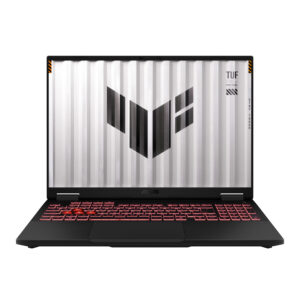
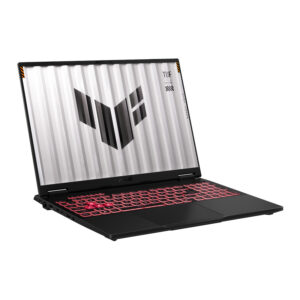
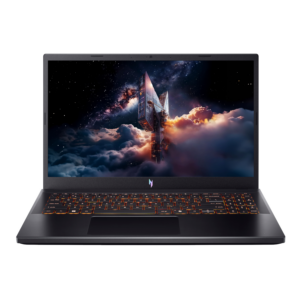
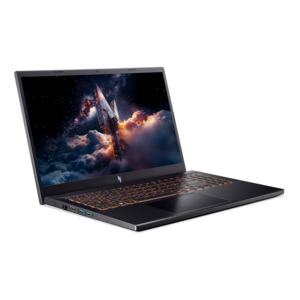
See what our clients say
Live Google & Facebook Reviews Verified By TrustIndex
 Posted on Google
 Malesela Elias Langa
Trustindex verifies that the original source of the review is Google.
I had an issue with my laptop and Anton was very professional and helpful. He offered after hours delivery for my laptop at no extra charge and was able to diagnose the problem and gave a solution all in less than a day. I’ll definitely recommend their services.Posted on Google Thando NyembeI serviced my laptop with CompuMaster that was working like a glorified typewriter with flat keys. Anton collected it at my house late afternoon and I had it the next day midday. Anton kept me informed throughout the process. The work was cost effective, the service was top- tier! If I had not shamed his hand, I’d be convinced he is AI! Service like this just doesn’t exist anymore… Do yourself a favour, call him for all your device needs - he’ll sort you out faster than you can say AI! Keep up the stellar work!!!!👏🏾👏🏾👏🏾Posted on Google
 Prashant MistryAwesome service from Anton. Provided great advice and support on a gaming laptop. Went out of his way to help us out over the weekend. Highly recommended.Posted on Google
 Izell du Plooy DobsonAnton really went above& beyond from the moment we first spoke to assist in sorting out an initial beep(Bios error) on my laptop. Ended up being a much more difficult job in total but he sorted it all. The laptop is running smoothly again - I will definitely use him again and recommend himPosted on Google
 Ntombizethu SamI needed ink for my printer and most suppliers around Centurion were out of stock. Anton was relentless in his search and went the extra mile to source the ink from Joburg when others couldn’t help. His persistence and willingness to assist were greatly appreciated. He was also quick to respond to both calls and online messages, which made the whole process easy and reassuring. The company was a little slow with the invoicing, but that’s understandable — Anton is clearly more of a hands-on tech person than an admin person! Overall, great service and a big thank you for your help. Highly recommended.Posted on Google
 King VThe service was extremely awesome and Anton who happened to be the one fixing my laptop went above and beyond to help me fix my laptop, charged me less than I was supposed to pay if I’m being honest, he even fixed things he honestly didn’t have to which is heart warming and made me feel extremely comfortable. Honestly the best service I’ve had with laptops by farPosted on Google
 Rudi De klerkUitsondelike diens, uitstekende kommunikasie, vinnig en bekostigtigbaar.Posted on Google
 Malungelo ZwaneAnton gave great service for my laptop. It working as if its brand new thanks.Posted on Google
 Boniface HlabanoSuper efficient and very professionalVerified by TrustindexTrustindex verified that these reviews were published on CompuMaster Technologies (Pty) Ltd's Google Business Profile. Learn more