

Specifications
Parts
Categories
- Accessories
- Audio & Visual
- Bags & Luggage
- Clearance
- Coming Soon
- Components
- Computers
- Consumables
- Gaming
- Hot Deals
- Just Arrived
- Last Chance
- Lifestyle & home tech
- Networking
- Networking & security
- Newly Arrived
- On Promotion
- On Sale
- Other
- Power & Energy
- Printing
- Refurbished
- Replacement Parts
- Services
- Smart Devices
- Software
- Special Offer
Parts
Categories
- Accessories
- Audio & Visual
- Bags & Luggage
- Clearance
- Coming Soon
- Components
- Computers
- Consumables
- Gaming
- Hot Deals
- Just Arrived
- Last Chance
- Lifestyle & home tech
- Networking
- Networking & security
- Newly Arrived
- On Promotion
- On Sale
- Other
- Power & Energy
- Printing
- Refurbished
- Replacement Parts
- Services
- Smart Devices
- Software
- Special Offer
Components
Popular
Parts
Categories
- Accessories
- Audio & Visual
- Bags & Luggage
- Clearance
- Coming Soon
- Components
- Computers
- Consumables
- Gaming
- Hot Deals
- Just Arrived
- Last Chance
- Lifestyle & home tech
- Networking
- Networking & security
- Newly Arrived
- On Promotion
- On Sale
- Other
- Power & Energy
- Printing
- Refurbished
- Replacement Parts
- Services
- Smart Devices
- Software
- Special Offer
Components
Popular
Parts
Categories
- Accessories
- Audio & Visual
- Bags & Luggage
- Clearance
- Coming Soon
- Components
- Computers
- Consumables
- Gaming
- Hot Deals
- Just Arrived
- Last Chance
- Lifestyle & home tech
- Networking
- Networking & security
- Newly Arrived
- On Promotion
- On Sale
- Other
- Power & Energy
- Printing
- Refurbished
- Replacement Parts
- Services
- Smart Devices
- Software
- Special Offer
Components
Popular
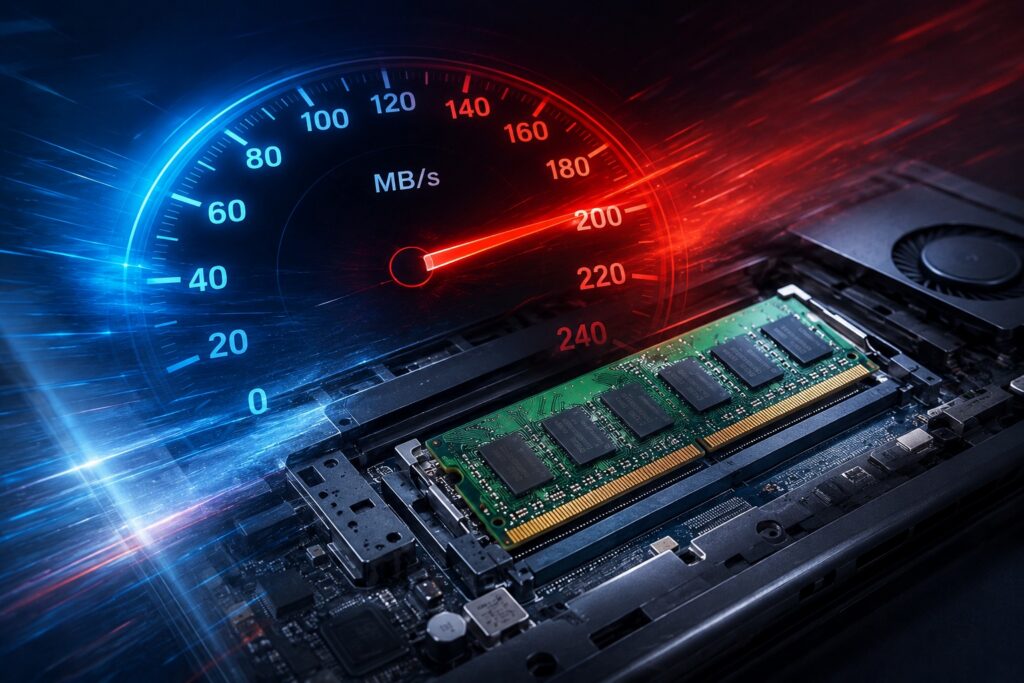
Laptop RAM Upgrades: Boost Performance and Speed
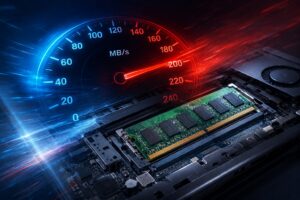
When a laptop starts to feel slow, programs take longer to launch, or the system seems to struggle with basic multitasking, many users assume it is time for a replacement. In many cases, however, the culprit is insufficient memory. Random Access Memory, or RAM, acts as the temporary workspace for your computer, allowing it to juggle multiple applications simultaneously. If your RAM capacity is limited, your computer must constantly swap data between the memory and the storage drive, which creates a noticeable bottleneck in performance. Upgrading your laptop memory is often the most effective way to breathe new life into a device that otherwise remains perfectly capable.

115 Reviews
Repair Options
New & Refurbished
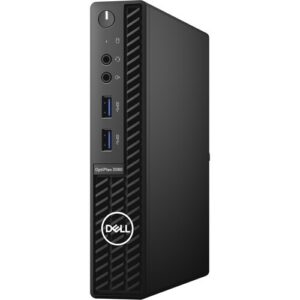
Dell OptiPlex 3080 10th gen Intel® Core™ i5 -10500 16GB RAM 256GB SSD Win 11 Pro – Refurbished
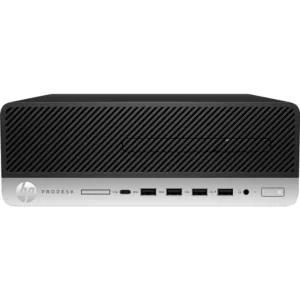
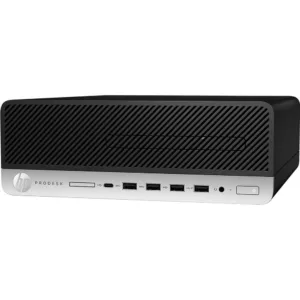
HP ProDesk 600 G5 SFF Desktop PC – Core i5-9500 – 9th Gen -16GB – Win 11 Pro – Refurbished
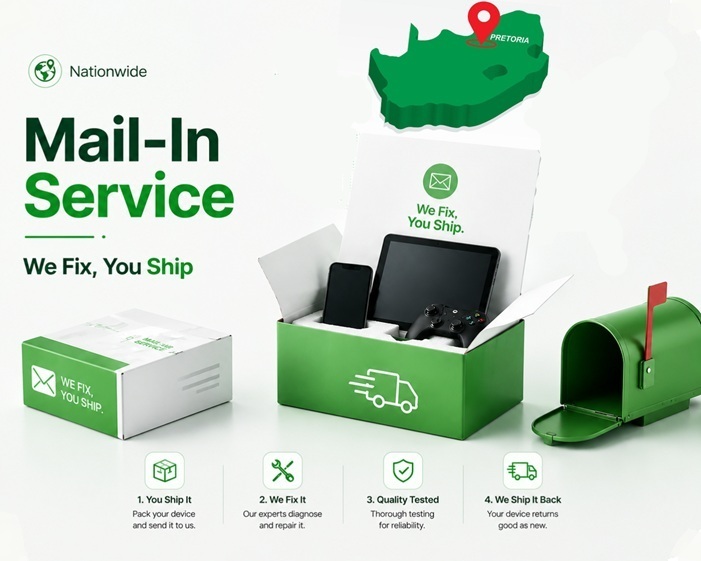
Nationwide Repair Services
Need Help?
If you need computer repairs in Centurion, contact CompuMaster for friendly advice, professional service, and practical IT solutions for both home users and businesses.
060 900 88 78
Common Symptoms of Low RAM
Recognizing when your system needs more memory is the first step toward improvement. If you find that your laptop slows down significantly when you have multiple browser tabs open, or if your applications become unresponsive when you try to switch between them, you are likely hitting a memory wall. Other common symptoms include persistent stuttering while running software, slow system startup times, and system error messages indicating memory shortages. While these symptoms can sometimes overlap with software issues or storage drive faults, they are classic indicators that your computer is working harder than it needs to because it lacks the workspace required for modern multitasking.
Causes of Memory Limitations
Memory limitations are rarely the result of a single fault. Often, software updates and operating system improvements gradually demand more resources over time. Applications that were lightweight a few years ago may now require more memory to run efficiently. Furthermore, if your laptop was purchased with the baseline amount of memory, it may not have been equipped to handle your current workload from the very beginning. As your usage habits change—perhaps moving from simple document editing to more demanding tasks or heavy web browsing—your initial configuration may no longer provide the necessary overhead to maintain smooth performance.
Diagnosis and Compatibility
Before any upgrade can be performed, it is essential to determine if your specific laptop model supports a memory increase. Not all laptops have user-accessible or upgradeable memory; some models have RAM soldered directly to the motherboard. Our technicians perform a thorough diagnosis to identify your laptop’s current configuration, the number of available slots, and the maximum capacity your motherboard can handle. By inspecting the specific model, we ensure that any new components are fully compatible with your system architecture, preventing errors and ensuring stability.
The Upgrade Process
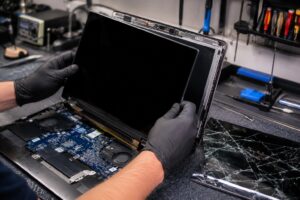
Once compatibility is confirmed and high-quality replacement parts are sourced, the upgrade process is straightforward but requires care. Accessing the internal components involves opening the laptop chassis, which must be done using proper tools to avoid damaging the delicate casing or internal ribbon cables. We carefully install the new memory modules into the available slots and verify the hardware connection. After the physical installation, we perform a system check to ensure the operating system and BIOS correctly recognize the increased capacity. Your data remains completely safe during this process, as we are modifying the memory, not the storage drive where your files reside.
Repair or Replace?
Deciding whether to upgrade or replace your device depends on the overall health of the laptop. If the only issue you are experiencing is sluggish performance during multitasking and the rest of your hardware is in good working order, a RAM upgrade is an excellent, cost-effective solution. However, if your laptop is experiencing other significant hardware failures or has reached a point where the processor can no longer support your primary tasks, a new device might be more practical. We provide honest, straightforward advice to help you weigh the cost of the upgrade against the expected longevity of your machine.
Service Options
For those in the Centurion, Pretoria, and Midrand areas, we offer professional onsite assessment and installation. If you are located further afield, our courier repair service allows you to send your device to our workshop, where we can perform the upgrade under controlled conditions. Regardless of how you choose to receive service, you will receive the same level of personal, old-school attention to detail. We only recommend parts we would confidently choose for our own computers, ensuring your machine remains stable and efficient for years to come. If you have questions about your specific model or would like to discuss your performance concerns, please contact our team for professional guidance.
Please, add images to create gallery
FAQ
No. If a laptop will not power on at all, the issue is typically related to the power supply, motherboard, or battery. While faulty RAM can sometimes cause a laptop to freeze or display a black screen, a total lack of power usually points to a different internal component requiring diagnostic testing.
No, RAM and storage (HDD or SSD) are separate components. Upgrading your memory will improve how quickly your laptop handles active tasks, but it will not increase the amount of space available for saving photos, documents, or videos. If you are running out of storage, a hard drive upgrade is the appropriate service.
No, your data is stored on your hard drive or solid-state drive, which remains untouched during a memory upgrade. We treat your device with the utmost care and ensure your personal data remains completely safe and accessible throughout the process.
While it is technically possible to mix brands, we always recommend matching the specifications of the new RAM to your existing hardware for the best stability and performance. Our technicians verify your system requirements to ensure compatibility.
Generally, no. Modern RAM modules are highly efficient. In some cases, adding RAM may even help system stability, which can indirectly lead to better temperature management, though it does not significantly increase heat output.
The duration of the upgrade depends on the specific laptop design, as some models require more extensive disassembly to reach the memory slots than others. We also prioritize thorough testing after installation to ensure system stability, so we always provide an honest assessment of the timeline once we have diagnosed your specific machine.
Related Repairs
Need another repair type? Browse our blog for advice, FAQ and interesting news.


We Stock Quality Replacement Parts


See what our clients say
Live Google & Facebook Reviews Verified By TrustIndex
 Posted on Google

 Malesela Elias Langa
Trustindex verifies that the original source of the review is Google.
I had an issue with my laptop and Anton was very professional and helpful. He offered after hours delivery for my laptop at no extra charge and was able to diagnose the problem and gave a solution all in less than a day. I’ll definitely recommend their services.Posted on Google Thando NyembeI serviced my laptop with CompuMaster that was working like a glorified typewriter with flat keys. Anton collected it at my house late afternoon and I had it the next day midday. Anton kept me informed throughout the process. The work was cost effective, the service was top- tier! If I had not shamed his hand, I’d be convinced he is AI! Service like this just doesn’t exist anymore… Do yourself a favour, call him for all your device needs - he’ll sort you out faster than you can say AI! Keep up the stellar work!!!!👏🏾👏🏾👏🏾Posted on Google
 Prashant MistryAwesome service from Anton. Provided great advice and support on a gaming laptop. Went out of his way to help us out over the weekend. Highly recommended.Posted on Google
 Izell du Plooy DobsonAnton really went above& beyond from the moment we first spoke to assist in sorting out an initial beep(Bios error) on my laptop. Ended up being a much more difficult job in total but he sorted it all. The laptop is running smoothly again - I will definitely use him again and recommend himPosted on Google
 Ntombizethu SamI needed ink for my printer and most suppliers around Centurion were out of stock. Anton was relentless in his search and went the extra mile to source the ink from Joburg when others couldn’t help. His persistence and willingness to assist were greatly appreciated. He was also quick to respond to both calls and online messages, which made the whole process easy and reassuring. The company was a little slow with the invoicing, but that’s understandable — Anton is clearly more of a hands-on tech person than an admin person! Overall, great service and a big thank you for your help. Highly recommended.Posted on Google
 King VThe service was extremely awesome and Anton who happened to be the one fixing my laptop went above and beyond to help me fix my laptop, charged me less than I was supposed to pay if I’m being honest, he even fixed things he honestly didn’t have to which is heart warming and made me feel extremely comfortable. Honestly the best service I’ve had with laptops by farPosted on Google
 Rudi De klerkUitsondelike diens, uitstekende kommunikasie, vinnig en bekostigtigbaar.Posted on Google
 Malungelo ZwaneAnton gave great service for my laptop. It working as if its brand new thanks.Posted on Google
 Boniface HlabanoSuper efficient and very professionalVerified by TrustindexTrustindex verified that these reviews were published on CompuMaster Technologies (Pty) Ltd's Google Business Profile. Learn more